Base64 takes arbitrary bytes, whether that is a short string, an image, or a font file, and represents them using only the 64 characters that every text system on earth can pass around safely: uppercase and lowercase letters, digits, plus and slash. The Base64 encoder and decoder does that conversion in the browser, in both directions, on text and on files.
It is worth saying plainly what Base64 is not, because the name makes people assume otherwise: it is not compression and it is not encryption. Encoding a file with Base64 always makes it bigger, and decoding it back is something anyone can do in one line of code, with no key or password involved. What it buys you is a guarantee that the output only ever contains characters that plain text formats, like JSON, XML, CSS and email, will not mangle in transit.
The rule, and why output grows by a third
Base64 works in groups of three input bytes. Three bytes are 24 bits, and 24 splits evenly into four groups of 6 bits, so the encoder maps each 6-bit group onto one of the 64 output characters, defined in RFC 4648. That is the entire trade: three bytes of input always become exactly four characters of output, which is why encoded text runs about 33% larger than what went in, regardless of what the bytes actually contain.
When the input length is not a multiple of three, the last group is short, and the encoder pads the output with one or two = characters so every encoded block still ends on a four-character boundary. The table below shows all three cases, using inputs a byte at a time.
| Input | Input bytes | Base64 output | Padding |
|---|---|---|---|
a | 1 | YQ== | Two = |
Hi | 2 | SGk= | One = |
Man | 3 | TWFu | None |
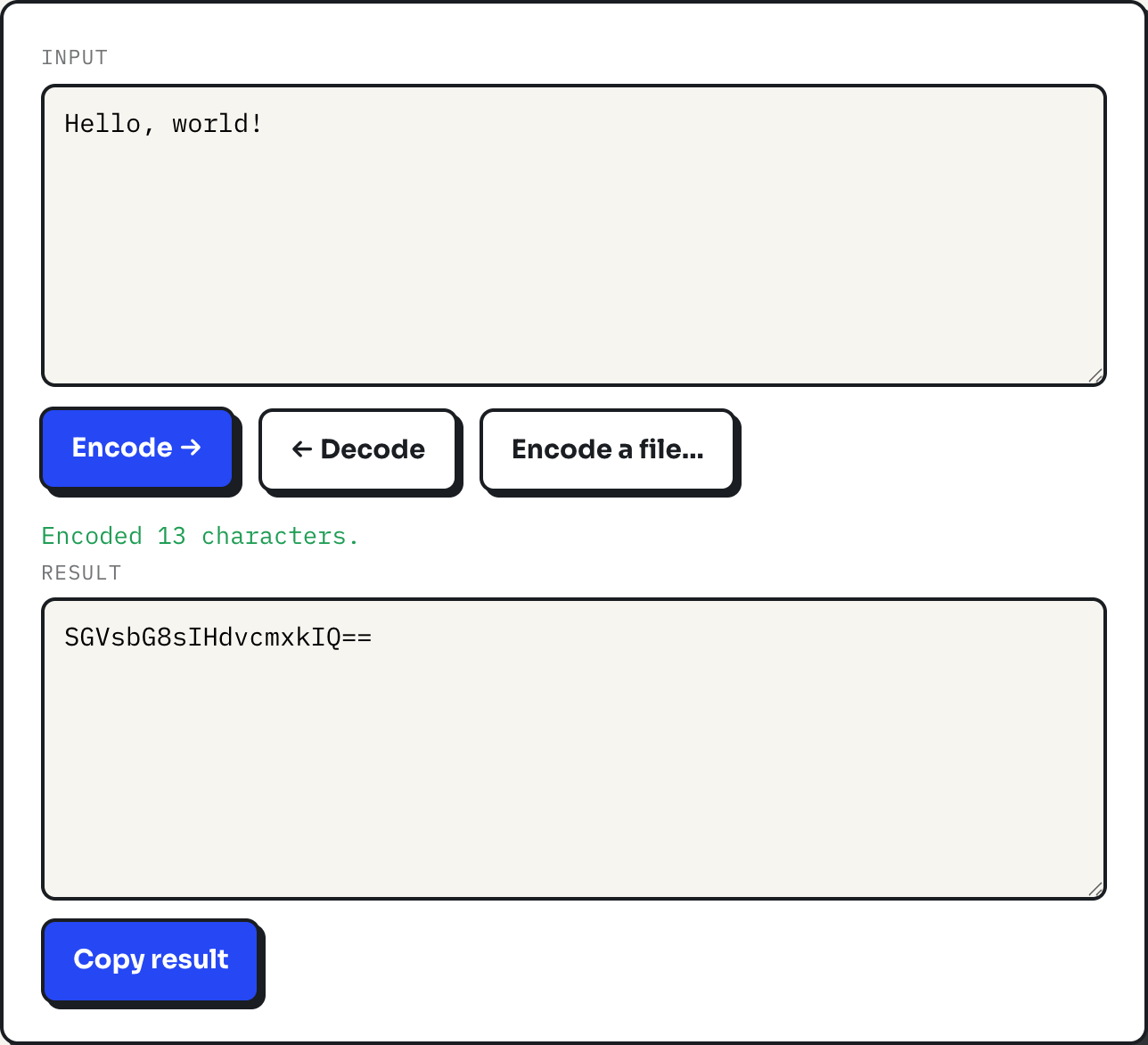
Hello, world! | 13 | SGVsbG8sIHdvcmxkIQ== | Two = |
Thirteen bytes is four full groups of three (12 bytes) plus one leftover byte, so the tool emits sixteen characters for the full groups and four more for the remainder, with two padding characters marking that the last group only had one real byte behind it. The = is not part of the data; a decoder strips it before rebuilding the bytes.
Where Unicode text trips up other encoders
The browser has a built-in function for this, called btoa, and it is the reason a lot of quick online Base64 tools fail on emoji or accented text: btoa only accepts characters in the Latin-1 range and throws an error on anything past that, per its own MDN documentation. This tool works around that by encoding the input to UTF-8 bytes with TextEncoder first, then Base64-encoding those bytes, and reversing both steps on decode with TextDecoder. The practical effect: anything you can type in the box, including emoji and non-Latin scripts, encodes and decodes correctly.
The word café shows this directly. As four Unicode characters it looks like a four-byte string, but the accented é takes two bytes in UTF-8, so the real input is five bytes: c, a, f, and the two bytes of é. Base64 of those five bytes is Y2Fmw6k=, eight characters for what looks like a four-letter word. Decoding that string returns café exactly, because the decode path reverses the same UTF-8 step.
Encoding a file as a data URI
Choosing "Encode a file" runs a different code path: the browser's FileReader API reads the file with readAsDataURL, which produces a complete data URI in one step, MIME type included, capped at 8 MB to keep the browser tab responsive. Paste that string directly into a CSS url() or an HTML src attribute and the image, font, or other asset loads with no separate network request, because the bytes are sitting inside the page or stylesheet itself.
A data URI is worth it for something small and reused often, like an icon or a webfont, where saving a request matters more than the extra size. It is a poor fit for a photograph: a 6 MB photo becomes an 8 MB text string, and most editors and diff tools handle a multi-megabyte line badly.
What Base64 is actually for
Every common use comes back to the same constraint: a system that only reliably carries text needs to move bytes through it anyway.
- Embedding small images or fonts directly in CSS or HTML as data URIs, avoiding an extra HTTP request for something tiny.
- Email attachments, which travel over protocols built for plain text and encode binary attachments in Base64 for that reason.
- Putting binary data, such as an API key or a small file, inside JSON or XML, formats that have no native way to represent raw bytes.
- Basic HTTP authentication headers, which carry a username and password pair Base64-encoded, not encrypted, inside the request.
Where it does not belong
Because decoding takes no key, Base64 must never stand in for encryption. A string that looks unreadable is not the same as a string that is protected; anyone who copies a Base64 value can decode it in a single line of code or on countless free web pages. If something needs to stay confidential, it needs actual encryption, with a key that is not sitting next to the ciphertext.
Decoding also assumes the result is meant to be text. This tool renders decoded output as text, so decoding the Base64 of a genuinely binary file, such as a compiled program, produces unreadable characters rather than a usable file; there is no decode-to-file option here, only encode-from-file. And for anything large, the 33% size increase is a real cost: a 300 KB image becomes a 400 KB string, which adds up quickly if it ends up embedded on every page load instead of cached as a separate file.
What to do
- Use Base64 to move binary data through text-only channels, not to hide it. Pair it with real encryption if confidentiality matters.
- Reach for a data URI on small, frequently reused assets like icons and fonts, and keep photographs as ordinary image files.
- If a decode looks like garbage, check whether the source was actually UTF-8 text; a binary file decoded as text will never look right.
- When copying Base64 out of an email or a wrapped terminal, do not worry about the line breaks; whitespace inside the string is ignored on decode here.